Structured intake
Capture the context your team needs.
Guide customers through questions, branch on their answers and save collected information to ticket fields.
Explore guided bots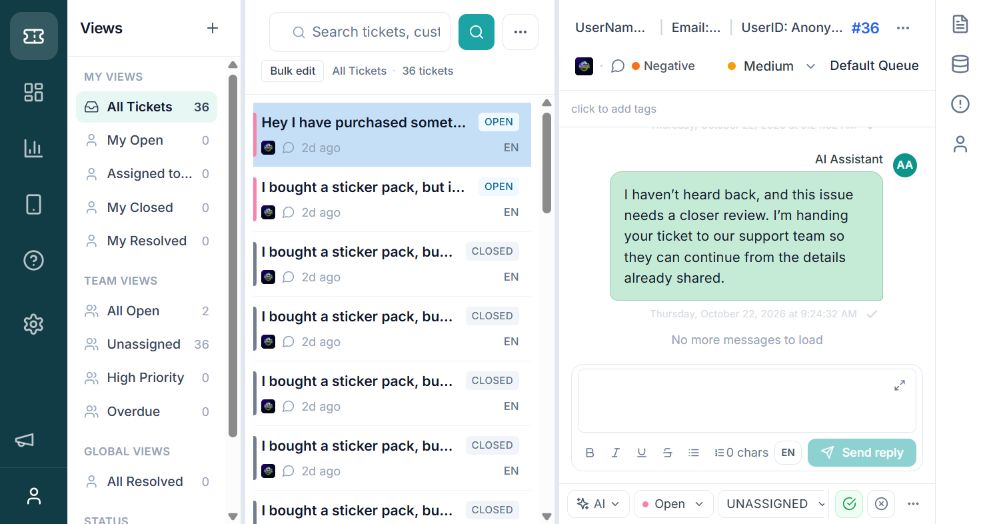
Actual product interface · approved demo workspace
Built around your support operation
Connect customer information, ticket actions and team responsibilities in a support process you configure.
Structured intake
Guide customers through questions, branch on their answers and save collected information to ticket fields.
Explore guided botsWorkflow automation
Define event triggers, conditions and actions to route tickets, update tags and escalate priority.
Explore automationRouting and ownership
Configure queues, assignment rules and agent capacity to organize how requests reach your team.
Explore routingService management
Set response and resolution targets around business hours. Review workload and performance to identify where attention is needed.
Explore service targetsSee the workflow in motion
See how conversations, routing and automation come together in the agent workspace.
Explore bots and workflows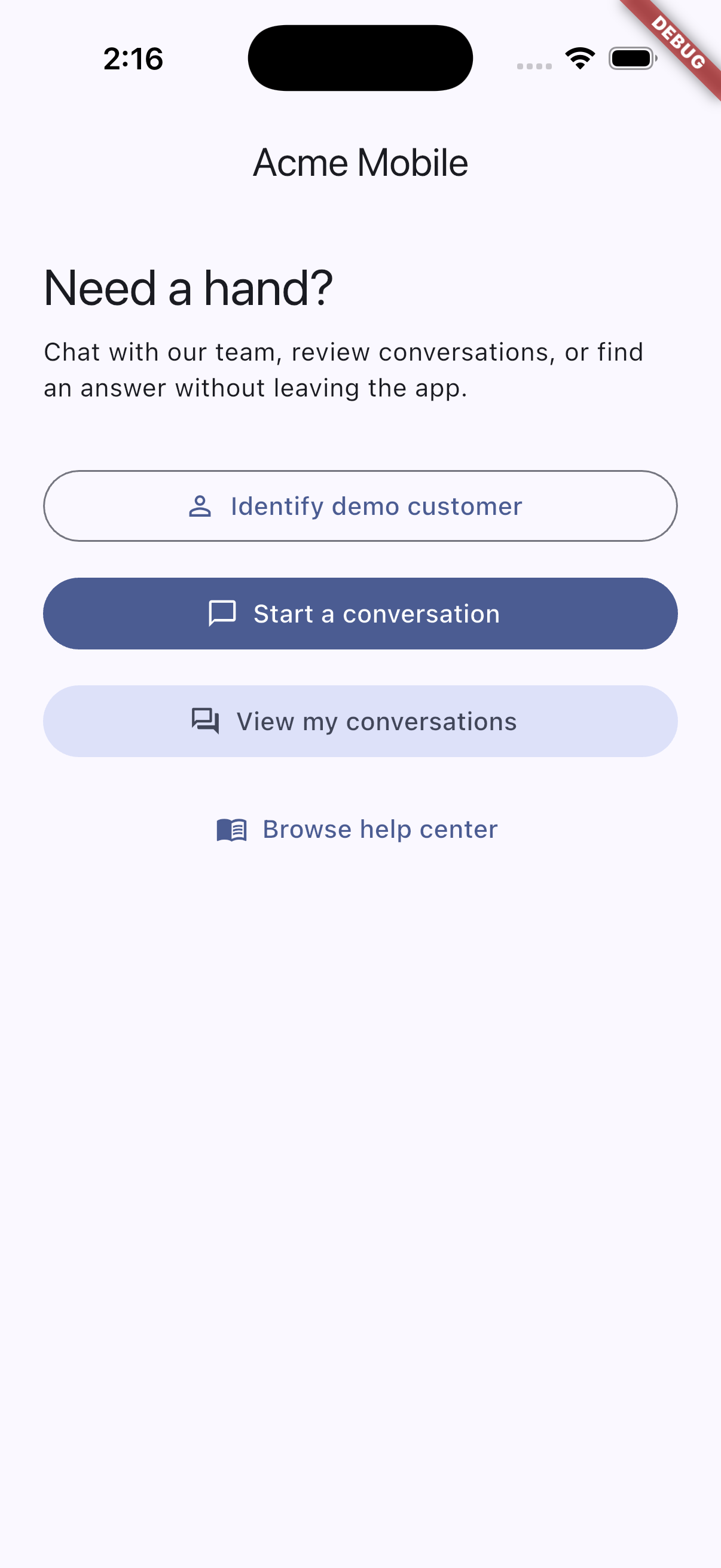
Support, inside your product
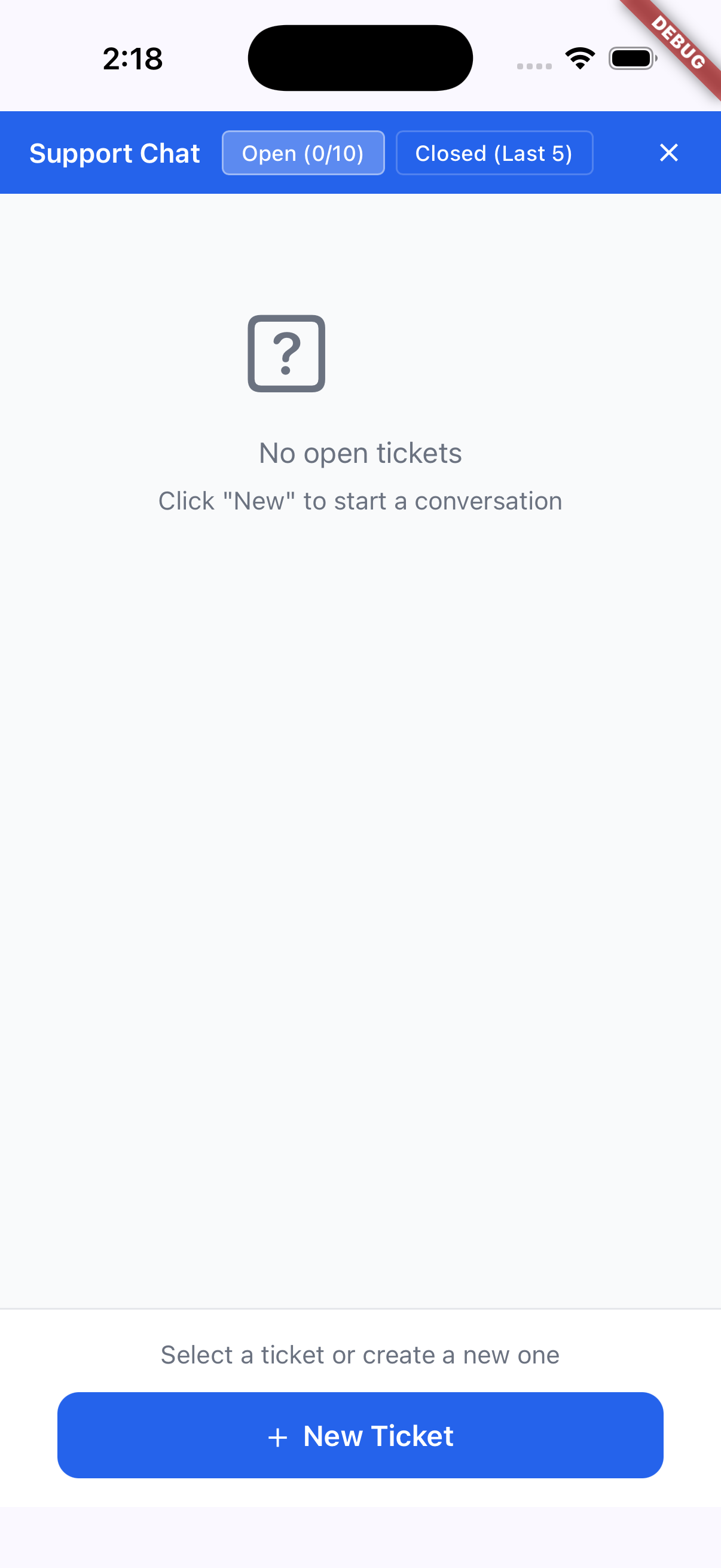
Bring help content and conversations into your web, mobile or game experience through SDK integrations.
Keep product context with the request and give customers a place to continue the conversation.
Explore SDKs and setup requirements ↗Example product screens. Confirm package access and platform requirements with our team.
A complete view of support
Bring AI assistance, service commitments and operational visibility into the same support process.
Bring configured knowledge into responses and carry context into human handoffs.
Explore capability ↗Collect information, categorize requests and guide the conversation before handoff.
Explore capability ↗Define response targets around working hours and see what needs attention.
Explore capability ↗Review queue and agent activity to guide your team’s next improvement.
Explore capability ↗Fits into your support ecosystem
Share updates, coordinate with engineering and connect application data through integrations, APIs and webhooks.
Explore integrations ↗Enterprise support and customer experience teams across industries. ClariconOps helps teams organize requests, coordinate ownership and track response and resolution commitments.
Yes. Take the four-step product tour to see conversations, queues, automation and reporting. No form or sign-up is required.
Automation rules handle repeatable ticket actions. Bots guide conversations and collect information. AI assistance uses configured knowledge to help with responses and handoffs. Choose the capabilities and controls that fit your workflow.
Queues, routing, custom fields, service targets and automation are configurable. In a demo, we’ll work through the specific workflow you want to evaluate.
Use Request a workspace to register your organization and preferred workspace address. You must verify your business email before our team can approve and activate your request.
We prepare a proposal around your agreed scope. Discuss team structure, channels, integrations and rollout needs with us; pricing and service commitments are confirmed in your proposal.
Start with the security overview, then ask us about identity setup, access, data handling, deployment and the documentation required for your vendor review. Confirm requirements before exchanging production data.
See it with your workflow
Explore how automation, bots and AI assistance fit your support process. Request a demo or a workspace for your team.